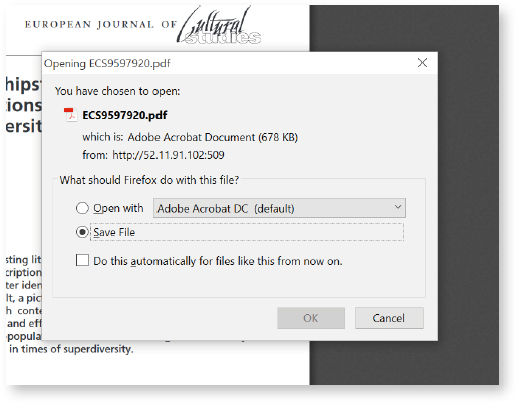
If for some reasons, you cannot work within the HTML mode and want to annotate the pdf in the conventional way, please follow the below procedure:
1 Please go to the PDF tab and download the file by selecting the “download” button.

2 Save the PDF to your computer and annotate the PDF using the conventional methods.
3 Once you have finished the pdf annotations, add them into the system by using the “Attachments” button on the right-hand panel (see Attachments section).