

 ) To apply a format such as Bold, Italic, Bold Italic, Superscript, and Subscript to the selected text. Changes are tracked, with new/changed text highlighted in green and the previous version shown with a red strike-through
 ) then select the character you need.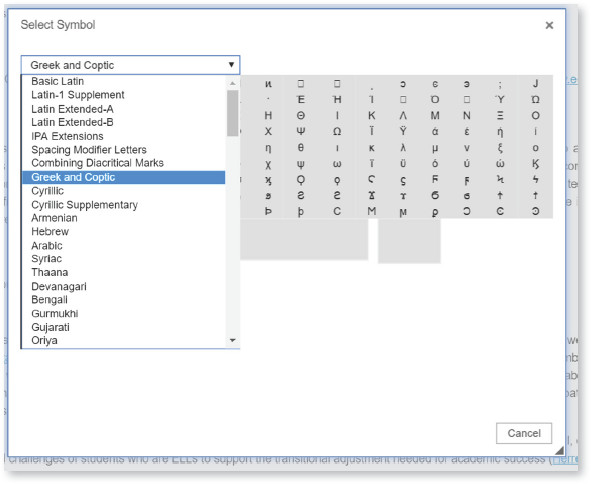
Save: ( ) The proofing system automatically saves all changes that you make into the article every 5 minutes. However, you can save the file whenever you wish, log off and then return to it and resume editing.
UNDO and REDO: ( ) Easily undo or redo the edits.
Remove Format: ( ) To remove any formatting from a text (e.g., change a bold text to normal). Note that this option will not work for headings and references, which are controlled by the journal style guide.
List: ( ) Used to convert the selected text to either a numbered list or a list of bullet points.
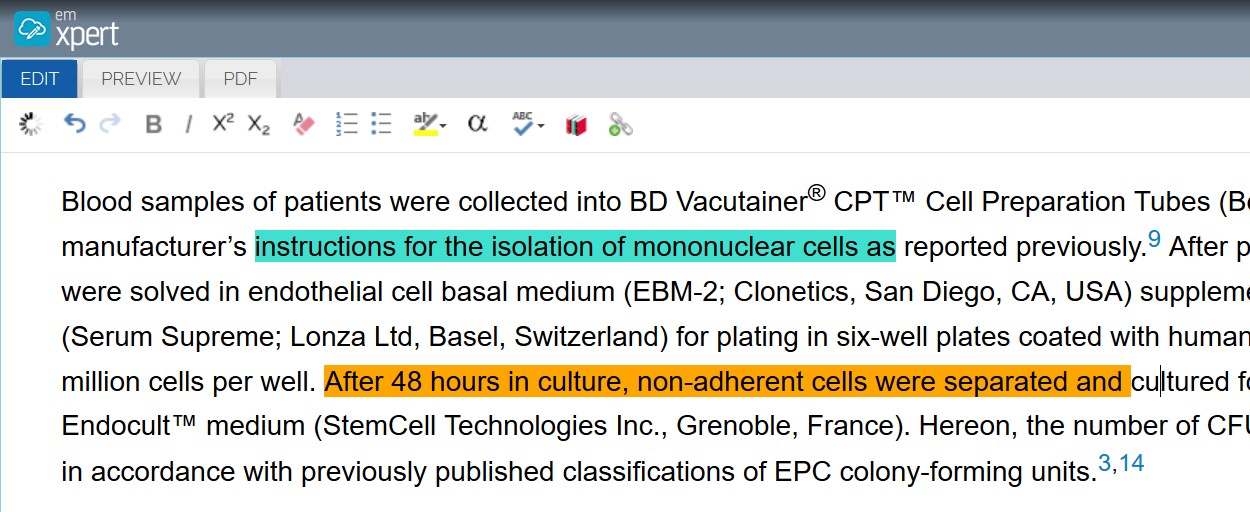
Highlight: ( ) To highlight the text using any color of your choice for further review and action.
Spell Checker: You could run a spell-check for your article by clicking on ( ).
).