
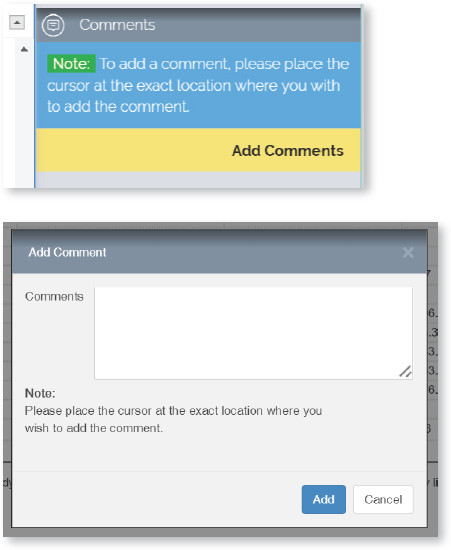
There may be cases where you wish to add a comment for the production team (e.g., about changes to Figures or Tables, etc.) Place the cursor in the relevant section of the article and click on “Comments”, a new pop-up window will appear, add your comments and click “Add”. Once added a purple comment marker icon ( ) will be added in the location where the comment is added.
If you wish to edit or delete a comment, you can use the “Edit” or “Delete”  buttons next to it in the Comment section.
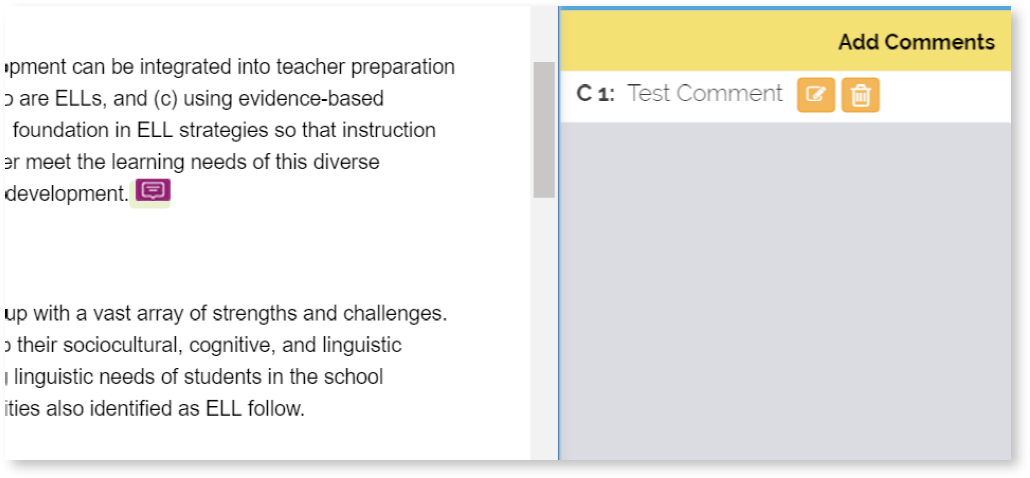

Comments can be viewed by hovering over the comment marker in the article text.