
Once you have checked the proof entirely, you can submit your corrections by clicking on the “Approve Article” bar. Note that if the “Approve/Submit” button appears orange in color, it signifies that either the General Queries or Author Queries have not been answered. The un-answered queries will be listed as well. Please return to the Author Query panel and ensure that you have responded to all of the queries.
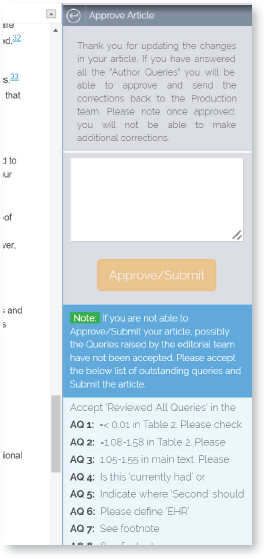
Once you answered all the queries, the “Approve/Submit” button will be green. Now the proof of your article is ready to be submitted. You may add any note to the publisher or the journal production team. Upon successful submission of your proof corrections, the publisher/journal production team will receive an email confirmation through the system.
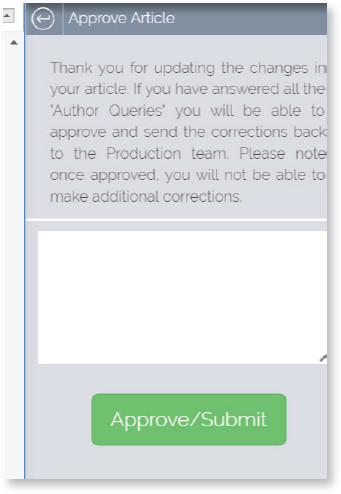

Once your corrections are submitted, you will not be able to make further changes. Therefore, please check to ensure all the desired changes are made before submitting the proof.