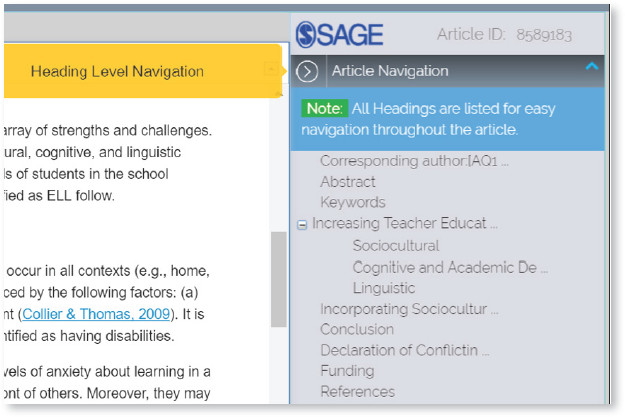
Once logged in, at the top left hand corner, you will see three tabs—(1) EDIT; (2) PREVIEW; (3) PDF.
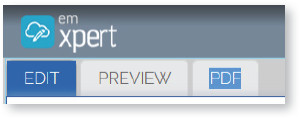
- Edit : You can edit the article on this tab.
- Preview : After making your edits, you can preview the article on the preview tab. You cannot make edits to article content on this tab.
- Pdf : A PDF version of the article is available on this tab so that you can download or view the print layout. The PDF does not update when changes are made in the edit tab; once your changes have been processed a revised PDF will be created.